Sharp MX-C300PL Especificações Página 63: FTP PRINT
 1
 2
 3
 4
 5
 6
 7
 8
 9
 10
 11
 12
 13
 14
 15
 16
 17
 18
 19
 20
 21
 22
 23
 24
 25
 26
 27
 28
 29
 30
 31
 32
 33
 34
 35
 36
 37
 38
 39
 40
 41
 42
 43
 44
 45
 46
 47
 48
 49
 50
 51
 52
 53
 54
 55
 56
 57
 58
 59
 60
 61
 62
 63
 64
 65
 66
 67
 68
 69
 70
 71
 72
 73
 74
 75
 76
 77
 78
 79
 80
 81
 82
 83
 84
 85
 86
 87
 88
 89
 90
 91
 92
 93
 94
 95
 96
 97
 98
 99
 100
 101
 102
 103
 104
 105
 106
 107
 108
63
TROUBLESHOOTING
TROUBLESHOOTING
NETWORK PROBLEMS
PRINTING PROBLEMS
In addition to this section, troubleshooting information can also be found in the README files for each of the
software programs. To view a README file, see "SOFTWARE SETUP GUIDE".
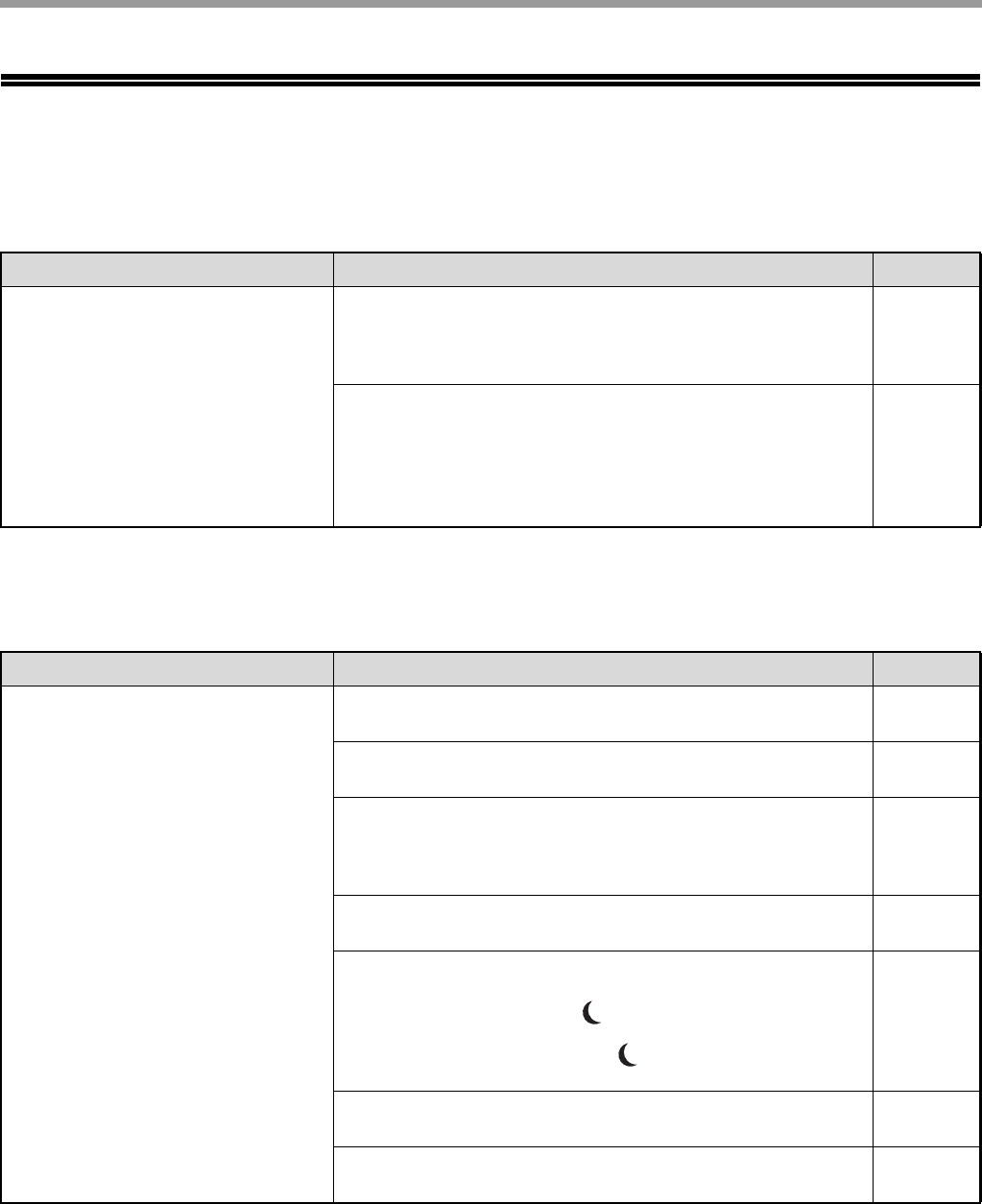
Problem Cause and solution Page
The machine does not connect to
the network.
The LAN cable is disconnected.
Make sure that he LAN cable is firmly inserted in the connectors
on the machine and your computer. To connect the cable, see the
"Software setup guide".
7
Is the machine configured for use on the same network as
the computer?
The machine cannot be used if it is not connected to the same
network as the computer, or if it is not configured for use on the
network.
For more information, consult your network administrator.
–
Problem Cause and solution Page
The machine does not operate.
The machine is not plugged into a power outlet.
Plug the machine into a grounded outlet.
–
Power switch OFF.
Turn the power switch ON.
12
The machine is warming up.
The machine requires some time to warm up after the power
switch is turned on. While the machine is warming up, settings
can be performed but printing is not possible.
12
The front cover or the side cover is not completely closed.
Close the front cover or the side cover.
–
The machine is in auto power shut-off mode.
When auto power shut-off mode has activated, only the
[ENERGY SAVE] indicator ( ) blinks; all other indicators and
the display are off. The machine returns to normal operation
when the [ENERGY SAVE] key ( ) is pressed, when a print job
is received.
12
Misfeed occurs.
To remove the misfeed, see "MISFEED REMOVAL".
68
The tray is out of paper.
Load paper.
16
Ficheiro PDF · ·
Perguntas sobre Sharp MX-C300PL
Ainda não há perguntas sobre este manual. Faça a primeira.
Manuais e produtos relacionados com Digitalizar e Imprimir Sharp MX-C300PL
- Digitalizar e Imprimir Sharp MX-M200D Manual do Utilizador
 (100 páginas)
- Digitalizar e Imprimir Sharp AR-4551 Especificações
 (280 páginas)
- Digitalizar e Imprimir Sharp AR-M351N Especificações
(188 páginas)
- Digitalizar e Imprimir Sharp AR-M355 Manual do Utilizador
(12 páginas)
- Digitalizar e Imprimir Sharp MX-M904 Especificações
(122 páginas)
- Digitalizar e Imprimir Sharp JX-9600 Manual do Utilizador
 (14 páginas)
- Digitalizar e Imprimir Sharp CE-140P Manual do Utilizador
 (60 páginas)
- Digitalizar e Imprimir Sharp EL-2607R Especificações

 (2 páginas)
- Digitalizar e Imprimir Sharp DP-750 Manual de Serviço
(110 páginas)
- Digitalizar e Imprimir Sharp AR-M350N/M450N Manual do Utilizador
(12 páginas)
- Digitalizar e Imprimir Sharp ER-01PU Manual de Instruções
(241 páginas)
- Digitalizar e Imprimir Sharp UX-4000M - UX 4000 B/W Laser Printer Guia do Utilizador
(194 páginas)
- Digitalizar e Imprimir Sharp AR-NB3 Manual do Utilizador
(4 páginas)
- Digitalizar e Imprimir Sharp MX-5500N Especificações
(50 páginas)
- Digitalizar e Imprimir Sharp MX-M200D Manual de Serviço
(121 páginas)
- Digitalizar e Imprimir Sharp AR-4551 Manual do Utilizador
(44 páginas)
- Digitalizar e Imprimir Sharp MX-5500N Manual do Utilizador
(6 páginas)
- Digitalizar e Imprimir Sharp AR-RB1 Especificações
(140 páginas)
- Digitalizar e Imprimir Sharp AR-M351N Manual do Utilizador
(20 páginas)
- Digitalizar e Imprimir Sharp FO-2150CM Manual de Serviço
(132 páginas)