AR-651/810 TROUBLE SHOOTING 5 - 2
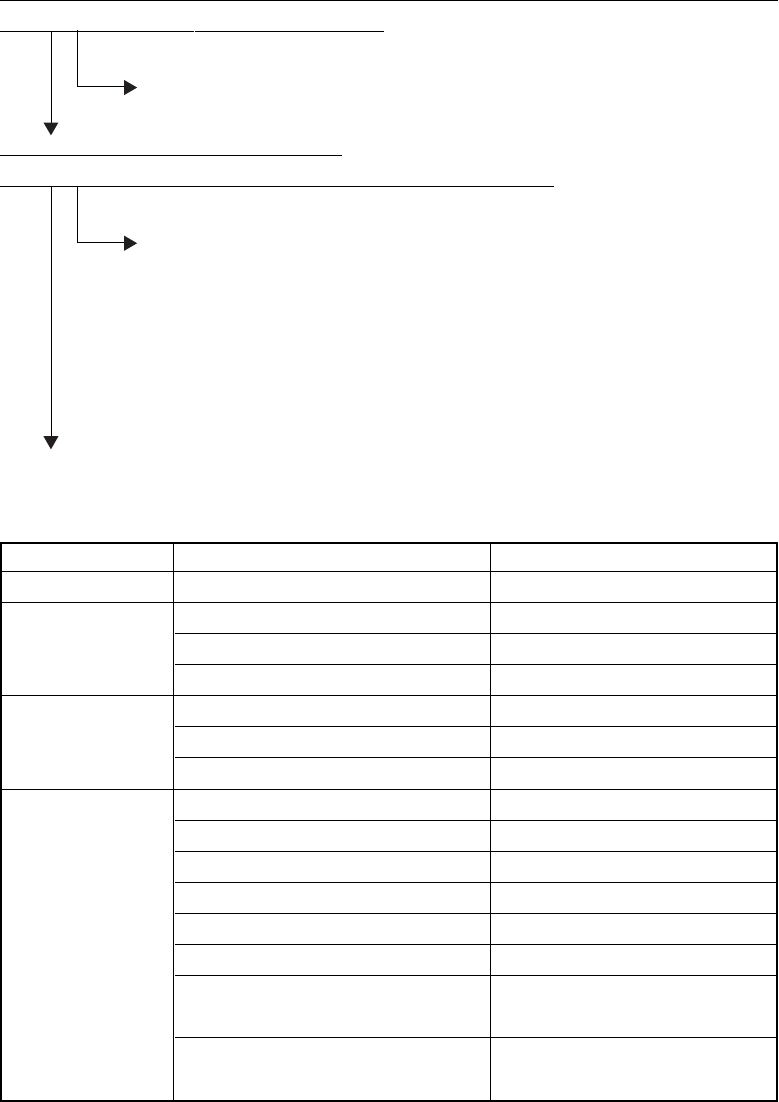
[E03] Paper remaining inside the copier at power ON
Open the cover of the unit/area whose picture is flashing on the control panel. Is there any paper on
the transport path? (Refer to the following table)
YES
Remove the paper.
NO
Is the sensor in the jamming area working?
(Perform the input check in the test mode: refer to the following table.)
NO
1. Check if the connector of the sensor is disconnected.
2. Check if any of the connectors on the LGC board is disconnected.
3. Check if the connector pins are disconnected and the harnesses are open-circuited.
4. Check if the conductor patter n on the LGC board is shor t- or open-circuited.
5. Replace the sensor.
6. Replace the LGC board.
YES
Replace the LGC board.
Relation between the jamming area and the corresponding sensors
Jamming area Sensor Test mode/Input check
Registration area
Registration sensor 03-[ENERGY SAVER]ON/[4][E]
Exit/Reverse area
Exit sensor 03-[ENERGY SAVER]OFF/[6][G]
Reversel sensor 1 03-[ENERGY SAVER]OFF/[6][C]
Reversel sensor 2 03-[ENERGY SAVER]OFF/[6][B]
Reverse transport
Tr a n s p o r t s e n s o r 1 03-[ENERGY SAVER]OFF/[0][C]
area
Tr a n s p o r t s e n s o r 2 03-[ENERGY SAVER]OFF/[0][A]
Tr a n s p o r t s e n s o r 3 03-[ENERGY SAVER]OFF/[0][B]
Paper feeding area
1st cassette feed sensor 03-[ENERGY SAVER]OFF/[2][A]
2nd cassette feed sensor 03-[ENERGY SAVER]OFF/[3][A]
3rd cassette/Tandem LCF feed sensor 03-[ENERGY SAVER]OFF/[4][A]
4th cassette/Tandem LCF feed sensor 03-[ENERGY SAVER]OFF/[5][A]
1st cassette transport sensor 03-[ENERGY SAVER]OFF/[2][B]
2nd cassette transport sensor 03-[ENERGY SAVER]OFF/[3][B]
3rd cassette/Tandem LCF transport
03-[ENERGY SAVER]OFF/[4][B]
sensor
4th cassette/Tandem LCF transport
03-[ENERGY SAVER]OFF/[5][B]
sensor
Comentários a estes Manuais