Sharp MX-7500N Manual do Utilizador Página 3

  • Descarregar
  • Adicionar aos meus manuais
  • Imprimir
  • Página
    / 12
  • Índice
  • MARCADORES
  • Avaliado. / 5. Com base em avaliações de clientes
Vista de página 2
An advanced design plus multi-function capability
allow you to meet tomorrow’s document needs today.
Flexible modular design provides a wide variety of configurations from basic high-speed
copying and printing to professional folding and booklet making
150-sheet Duplex Single Pass Feeder (DSPF) scans documents at up to 150 images per minute
Up to 13,500-sheet paper capacity supports media up to 110 lb. cover stock (300 gsm)
and up to 13" x 19" output
On-board paper catalog stores up to 1,000 media profiles to help streamline job set-up and
maintain optimum output quality
Sharp’s Color Consistency System with next generation image process control delivers
high-quality color output and maintains optimum color balance and toner density page after page
Standard PCL
®
6 and true Adobe
®
PostScript
®
3
with available Windows
®
XPS printing systems
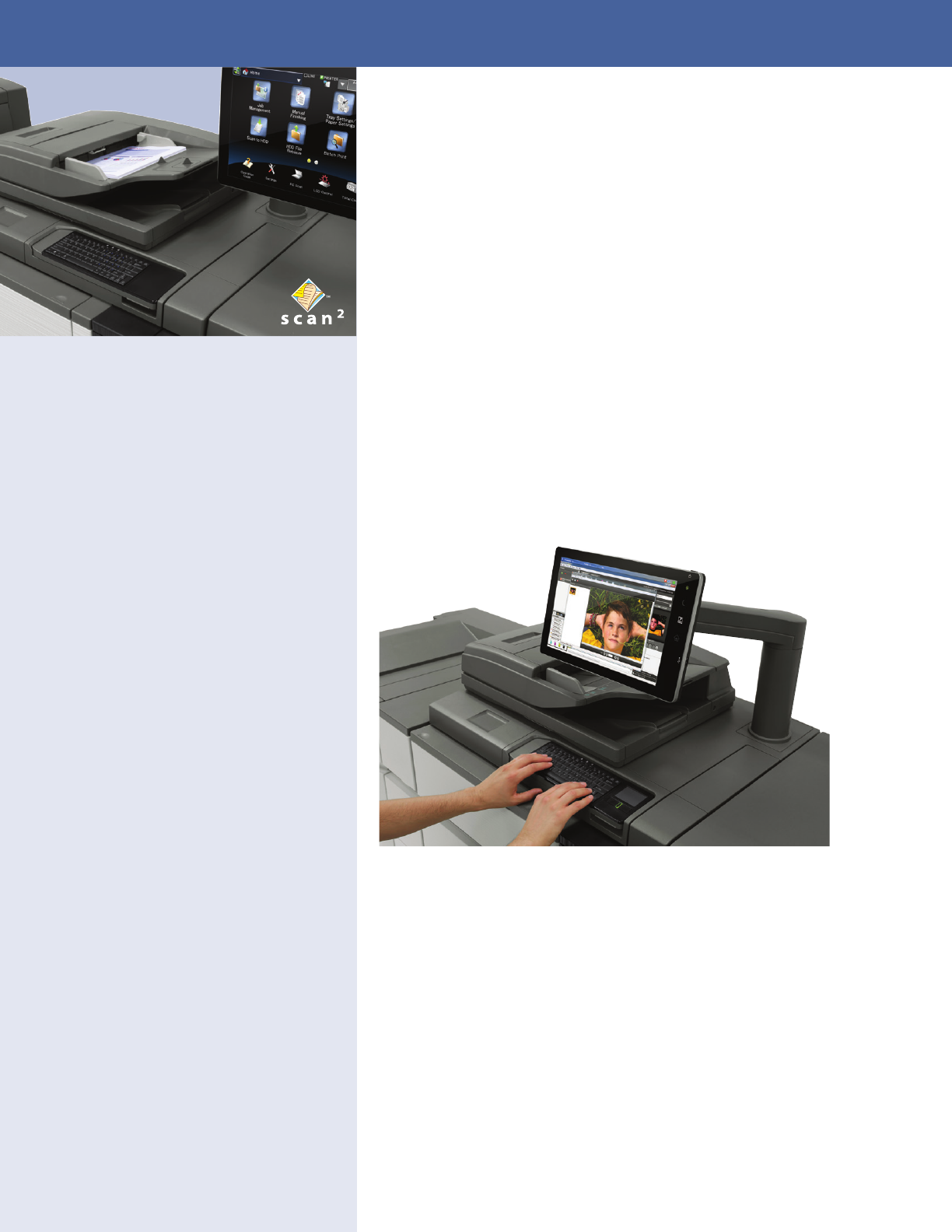
Large 15.4" (diagonally measured) high-resolution color touch-screen display with
integrated keyboard
Pantone Licensing offers unprecedented levels of color fidelity to the PANTONE
MATCHING SYSTEM
®
True 1200 x 1200 dpi printing with 8-bit processing provides beautiful images and
enhanced clarity for fine details such as small text and graphics
Standard Job Management features make it easy to print on-demand as well as retain jobs,
combine jobs, repaginate jobs, edit pages and more
Energy efficient belt fusing offers low power consumption, fast warm up time,
enhanced print quality and greater media capabilities
Convenient End-of-Lease feature can erase all files on the hard disk drive, all user data,
job status data and address book data at trade-in time
FULL-BLEED
EDGE-TO-EDGE PRINTING
AVAILABLE FIERY COLOR
PRINT SERVER
TRIPLE AIR-FEED PAPER
HANDLING OPTION
ENGINEERED TO MAXIMIZE OUTPUT EFFICIENCY
MX-7500N shown with Fiery Command WorkStation fully integrated at the Sharp control panel.
Vista de página 2
1 2 3 4 5 6 7 8 ... 11 12

Comentários a estes Manuais

Sem comentários