Sharp MX-M453 Manual do Utilizador Página 8

  • Descarregar
  • Adicionar aos meus manuais
  • Imprimir
  • Página
    / 12
  • Índice
  • MARCADORES
  • Avaliado. / 5. Com base em avaliações de clientes
Vista de página 7
Image
Preview/
Thumbnail
Sharp OSA
®
Powerful document management
Your new Sharp MFP comes complete with everything you need to
manage your document workflow. An 80 GB integrated hard drive gives
you plenty of space to save scanned files for future retrieval and you can
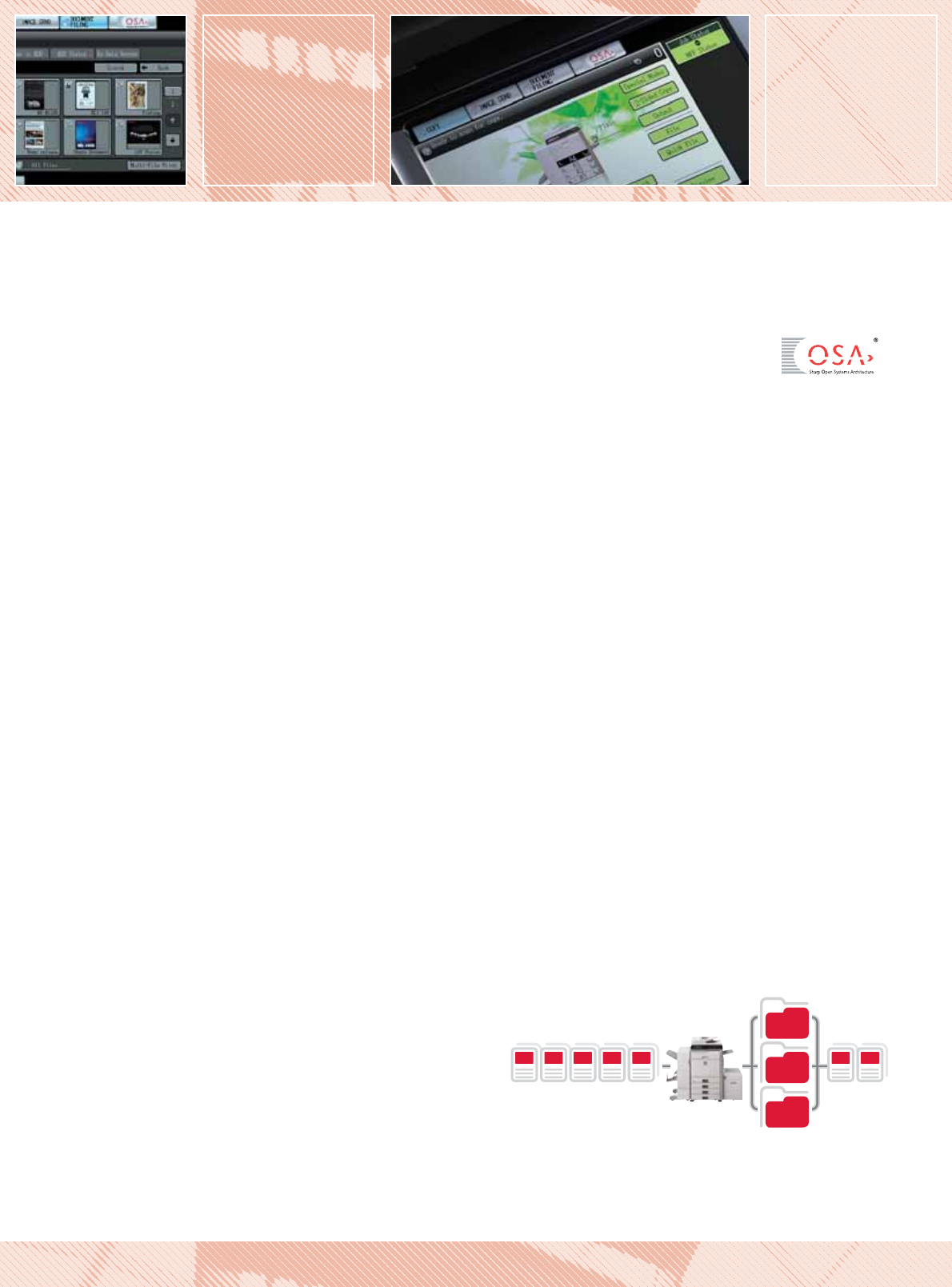
even store and repeat entire print runs without recreating the job.
Up to 3,000 files or 20,000 pages
*1
of copy, print, scan, and fax
*2
data
can be filed in up to 1,000 shared, long-term storage in folders, and
up to 1,000 files or 10,000 pages
*1
placed in temporary storage for
repeating jobs without having to recreate them. To access them, simply
browse the thumbnail previews on the LCD panel, make a selection and
enter your PIN.
Easy document management with Sharpdesk
Sharpdesk document management software is a desktop-based solution
that’s capable of handling more than 200 different file formats. It lets
you browse, sort, search and share files as well being able to create
documents that combine scanned and operator-created data.
s Intuitive desktop display features thumbnail viewing.
s Sharpdesk Imaging provides annotation tools for
paper-free proofreading.
s Sharpdesk Composer combines different types of files into
a single document.
s Optical character recognition converts documents into
editable text files.
s Output zone distributes files to e-mail, printers and
other applications.
s File search allows searching by file name, keyword
or thumbnail.
Sharp OSA
®
(Open Systems Architecture)
You can enhance the productivity of the MX-M503N, MX-M453N
and MX-M363N still further, thanks to Sharp OSA (Open Systems
Architecture) which lets 3rd party developers directly integrate the
MFP with your business applications. There are three optional Sharp
OSA modules:
s Application Integration Module (MX-AMX1) – lets users add
data to scanned documents before sending them directly to
applications for processing and archiving.
s Application Communication Module (MX-AMX2) – lets
remote applications create, configure, and execute scanning
and printing jobs on the MFP.
s External Account Module (MX-AMX3) – tracks usage by
individuals and workgroups and restricts usage according to
individual access rights.
*1
Measured using Sharp’s standard chart (A4 with 6% coverage, B/W). The Quick File Folder
shares the HDD with the Job Build function; up to 12GB of data storage is available when
using both functions. The storage capacity will be less for colour pages.
*2
For fax and Internet fax jobs, only transmitted data (not received faxes) can be saved in the
Document Filing function.
QUICK FILE
FOLDER
MAIN
FOLDER
CUSTOM
FOLDER
COPY PRINT SCAN FAX PC-FAX RESEND REPRINT
Processed Job Data Save to HDD Reuse
MX-M503N/MX-M453N/MX-M363N High Performance Black & White Multifunction Systems
Vista de página 7
1 2 3 4 5 6 7 8 9 10 11 12

Comentários a estes Manuais

Sem comentários