Sharp XL-1500H Especificações Página 34

  • Descarregar
  • Adicionar aos meus manuais
  • Imprimir
  • Página
    / 39
  • Índice
  • MARCADORES
  • Avaliado. / 5. Com base em avaliações de clientes
Vista de página 33
01/12/12 1500H_E3.fm
E-28
ENGLISH
XL-1500H
XL-1600H
References
- Troubleshooting chart -
Troubleshooting chart
Many potential problems can be resolved by the owner without calling a
service technician.
If something is wrong with this product, check the following before calling
your authorised SHARP dealer or service centre.
General
CD player
Tuner
Remote control
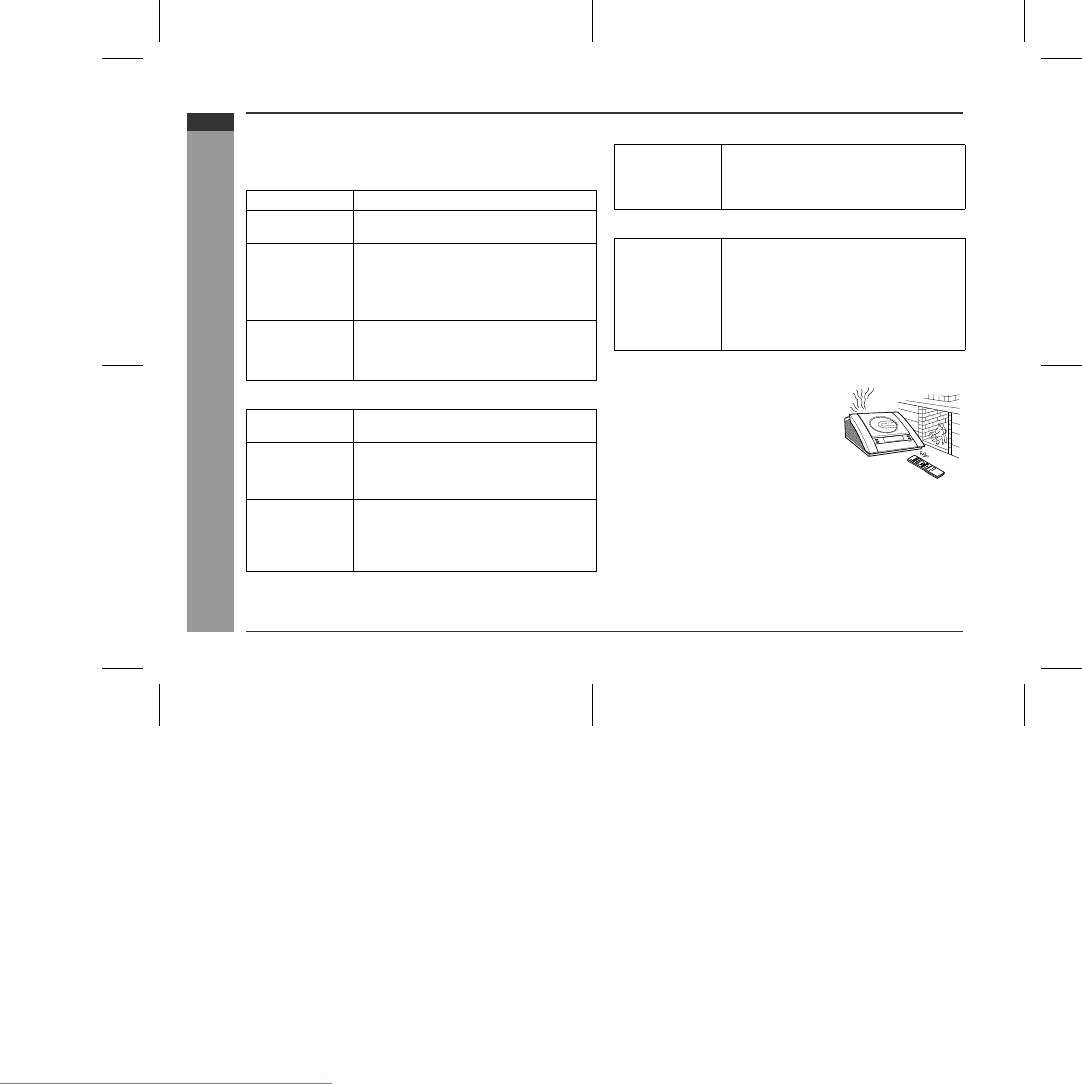
Condensation
Symptom Possible cause
The clock is not on
time.
z
Did a power failure occur? Reset the clock.
(Refer to page 11.)
When a button is
pressed, the unit
does not respond.
z
Set this unit to the power stand-by mode
and then turn it back on.
z
If the unit still malfunctions, reset it. (Refer
to step 3 under "If trouble occurs" on page
29.)
No sound is heard.
z
Is the volume level set to "0"?
z
Are the headphones connected?
z
Are the speaker wires disconnected?
Playback does not
start.
z
Is the disc loaded upside down?
Playback stops in
the middle or is not
performed proper-
ly.
z
Does the disc satisfy the standards?
z
Is the disc distorted or scratched?
Playback sounds
are skipped, or
stopped in the mid-
dle of a track.
z
Is the unit located near excessive vibra-
tions?
z
Is the disc very dirty?
z
Has condensation formed inside the unit?
Radio makes un-
usual noise con-
secutively.
z
Is the unit placed near the TV or computer?
z
Is the FM/AM loop aerial placed properly?
Move the AC power lead away from the
aerial if located near.
The remote control
does not operate.
z
Is the AC power lead of the unit plugged in?
z
Is the battery polarity respected?
z
Are the batteries dead?
z
Is the distance or angle incorrect?
z
Does the remote control sensor receive
strong light?
Sudden temperature changes, storage or
operation in an extremely humid environ-
ment may cause condensation inside the
cabinet (CD pickup, etc.) or on the transmit-
ter on the remote control.
Condensation can cause the unit to malfunc-
tion. If this happens, leave the power on with
no disc in the unit until normal playback is
possible (about 1 hour). Wipe off any con-
densation on the transmitter with a soft cloth
before operating the unit.
Downloaded from www.Manualslib.com manuals search engine
Downloaded From Disc-Player.com Sharp Manuals
Vista de página 33
1 2 ... 29 30 31 32 33 34 35 36 37 38 39

Comentários a estes Manuais

Sem comentários