Sharp CX51HF3 Especificações
Consulte online ou descarregue Especificações para TVs e monitores Sharp CX51HF3. Sharp CX51HF3 Specifications Manual do Utilizador
- Página / 28
- Índice
- RESOLUÇÃO DE PROBLEMAS
- MARCADORES

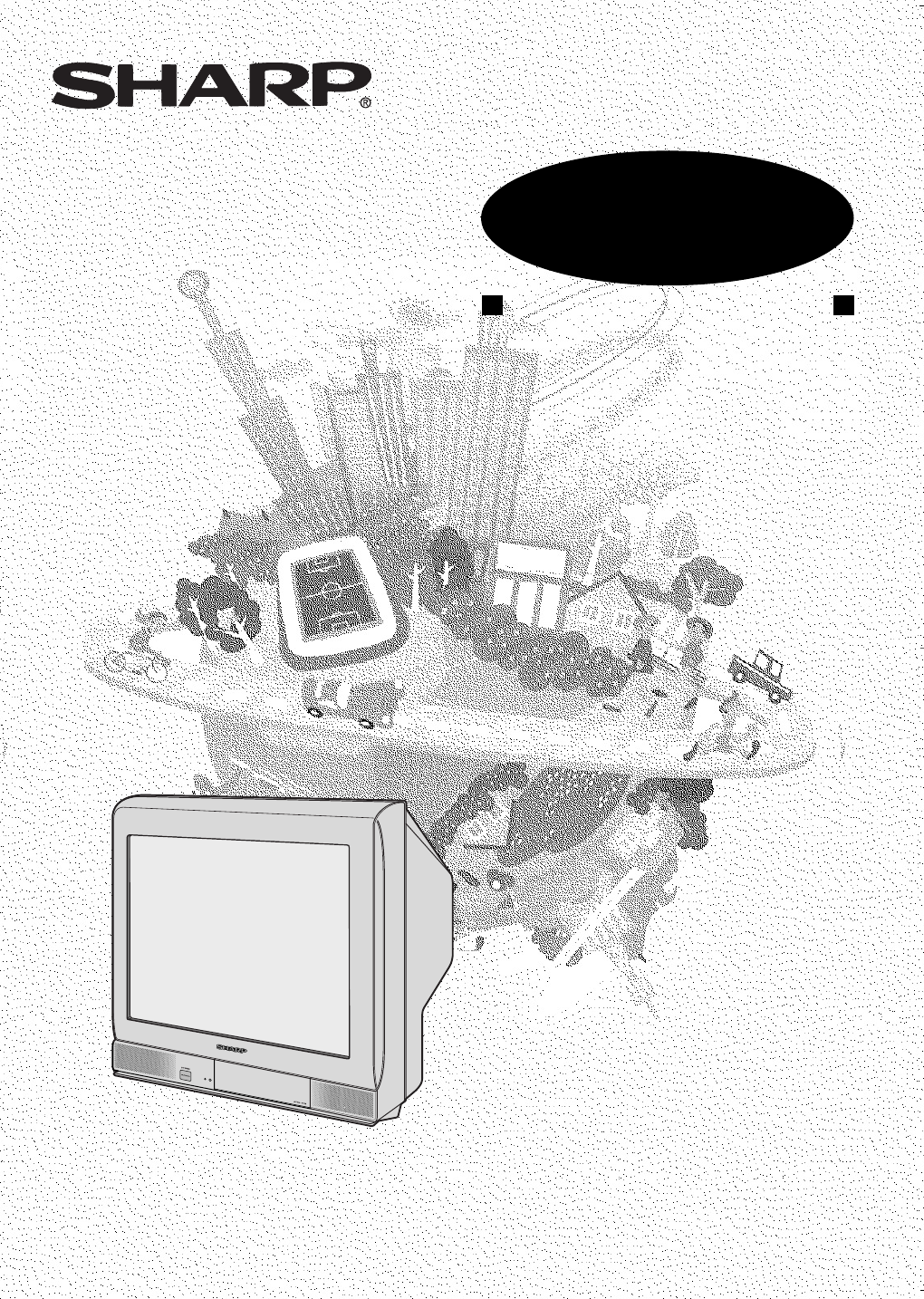
- OPERATION MANUAL 1
- COLOUR TELEVISION 1
- Contents 2
- Accessories 3
- Easy setup 4
- Safety precautions 5
- Part names 7
- Watching TV 9
- Operating the TV buttons 10
- is pressed at any time 11
- Silences the sound 11
- TV/Video selection 12
- Channel recall 12
- Selecting menu items 13
- Settings and adjustments 14
- 1 Press 15
- 2 Press 17
- 3 Press 20
- 6 Press 21
- Connections 23
- Troubleshooting 25
- Specifications 26
- Dimension: 176 x 250 mm 27
- FLE (M) Sdn. Bhd 27
- WARRANTY 28
Resumo do Conteúdo
Dimension: 176 x 250 mmFLE (M) Sdn. BhdMODELOPERATION MANUALCOLOUR TELEVISIONMODELCX51HF3Please read this operation manualcarefully before using the
E 9Dimension: 176 x 250 mmFLE (M) Sdn. Bhd• Select an appropriate volume so as not to injure your hearing.• To avoid injuring your hearing, do not put
E 10Dimension: 176 x 250 mmFLE (M) Sdn. BhdChannel/Timer displayDisplays the current channel number, the timer, and othersettings on the screen.ON
E 11Dimension: 176 x 250 mmFLE (M) Sdn. BhdTV/Video selectionSwitches between TV broadcasts and AV input programmes.Each time you press the TV/VIDEO,
E 12Dimension: 176 x 250 mmFLE (M) Sdn. BhdSelecting a menu itemMENUPICTUREFEATURETIMERCH-SETTING1 Press MENU/PRESET on the TV set tocall MENU screen.
E 13Dimension: 176 x 250 mmFLE (M) Sdn. BhdSettings and adjustmentsOn-screen display language selectionThe on-screen display language can be set to En
E 14Dimension: 176 x 250 mmFLE (M) Sdn. BhdManual channel tuningEnables manual channel tuning to a desired TV station (e.g.tuning the TV to a VCR, tun
E 15Dimension: 176 x 250 mmFLE (M) Sdn. BhdSettings and adjustmentsAuto channel tuningAutomatically tunes in and presets receivable TV stations,using
E 16Dimension: 176 x 250 mmFLE (M) Sdn. BhdChannel settingEnables individual channel setting.1 Press CH-SET to callCH-SETTING screen.2 Press CH / CH t
E 17Dimension: 176 x 250 mmFLE (M) Sdn. BhdPicture adjustment1 Press PICTURE to call PICTUREscreen.2 Press CH / CH toselect adjustment items.PICTURECO
E 18Dimension: 176 x 250 mmFLE (M) Sdn. BhdAutomatically turns the screen blue if a broadcast signal isnot received.• Poor reception due to weak signa
E 1Dimension: 176 x 250 mmFLE (M) Sdn. BhdContentsPreparationAccessories ...
E 19Dimension: 176 x 250 mmFLE (M) Sdn. BhdTV/VIDEOTV0NORMALTIMERFEATURECH-SETPICTURE147258369CHCHCHCHNORMALTIMEROff timerAutomatically turns power of
E 20Dimension: 176 x 250 mmFLE (M) Sdn. BhdOn timerAutomatically turns power on after a set length of time haspassed.TIMEROFF --:--ON --:-- --:-- POSI
E 21Dimension: 176 x 250 mmFLE (M) Sdn. BhdTV/VIDEOTV0NORMALTIMERFEATURECH-SETPICTURE147258369CHCHCHCHNORMALTIMER1 Press TIMER to call TIMERscreen.2 P
E 22Dimension: 176 x 250 mmFLE (M) Sdn. BhdConnectionsStandard DIN45325 plug (IEC169-2)75-ohm coaxial cable (round cable) (not supplied)300-ohm twin-l
E 23Dimension: 176 x 250 mmFLE (M) Sdn. BhdConnecting to video equipmentEnjoy playback from a video disc player, VCR or other video equipment by conne
E24Dimension: 176 x 250 mmFLE (M) Sdn. BhdTroubleshootingThe following problems do not always indicate a hardware failure. Therefore, please usethe tr
E 25Dimension: 176 x 250 mmFLE (M) Sdn. BhdSpecifications• Design and specifications are subject to change without notice.• Receiving system: These re
E26Dimension: 176 x 250 mmFLE (M) Sdn. BhdNotesCX51HF3(24-27)EN 29/9/04, 5:23 pm26
WARRANTYConsumer Electronic ProductsCongratulations on Your Purchase!This Sharp product is warranted against faults in materials and manufacture for a
E 2Dimension: 176 x 250 mmFLE (M) Sdn. BhdDear SHARP CustomerThank you for buying SHARP's ColourTelevision. We hope you will have manyyears of en
E 3Dimension: 176 x 250 mmFLE (M) Sdn. BhdEasy setupTo use your TV set, perform the easy setup procedure below.The mark indicates the page numbers wi
E 4Dimension: 176 x 250 mmFLE (M) Sdn. BhdSafety precautionsDamageTurn off the power and unplug the power cord from the walloutlet immediately if the
E 5Dimension: 176 x 250 mmFLE (M) Sdn. BhdLiquid entryDo not place a flower vase or anything else containing liquid onthe TV set, as liquid spilt on t
E 6Dimension: 176 x 250 mmFLE (M) Sdn. BhdPart names• Be sure to match the battery j/k terminals with the j/k marks inside the compartment.• Remove th
E 7Dimension: 176 x 250 mmFLE (M) Sdn. BhdTV set• When using headphone, see 9.BotttomPower indicatorPower can be turned on by the remote control when
E 8Dimension: 176 x 250 mmFLE (M) Sdn. BhdWatching TV1 Turn on power.• When the power indicator is off, press POWER.• When the power indicator lights
Manuais e produtos relacionados com TVs e monitores Sharp CX51HF3
 (24 páginas)
(12 páginas)
(24 páginas)
(12 páginas)
 (29 páginas)
 (32 páginas)
(17 páginas)
(56 páginas)
(32 páginas)
(17 páginas)
(56 páginas)
 (33 páginas)

 (126 páginas)
(56 páginas)
(90 páginas)
(126 páginas)
(56 páginas)
(90 páginas)
© 2020, manymanuals-pt.com. Todos os direitos reservados. | 0.045 s |
 Manymanuals.com
 Manymanuals.de
 Manymanuals.fr
 Manymanuals.it
 Manymanuals.pl
 Manymanuals.cz
 Manymanuals.es
 Manymanuals-pt.com
Comentários a estes Manuais