Sharp TUT2 Especificações
Consulte online ou descarregue Especificações para Set-top boxes para TV Sharp TUT2. Sharp TUT2 Specifications Manual do Utilizador
- Página / 32
- Índice
- MARCADORES

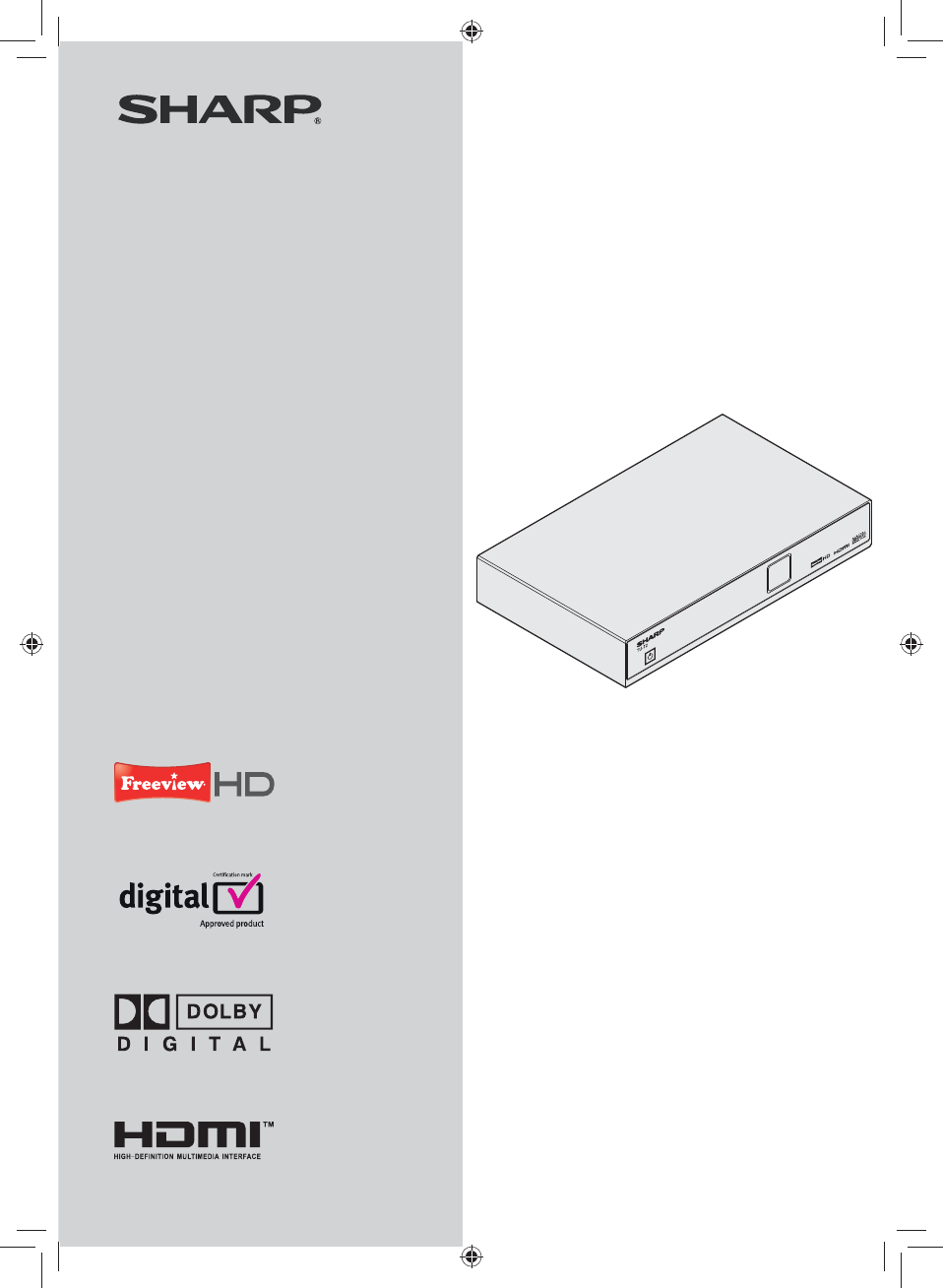
- OPERATION MANUAL 1
- Introduction 3
- Preparation 6
- Quick guide 8
- Watching TV 10
- Channels 11
- Programme Guide 12
- Connecting external devices 13
- Menu operation 16
- Basic adjustment 17
- Manual Tune 22
- Appendix 23
- Important Notice 28
- TERMS OF GUARANTEE 29
- TU-T2 EN-03/10-dcs-8595 32
Resumo do Conteúdo
Digital Terrestrial HD ReceiverMODELTU-T2Thank you for purchasing this SHARP product. To obtain the bestperformance from this product, please read thi
10Daily operationSwitching on/offStandby modeSelect standby mode EIf the Receiver is switched on, you can switch it to standby by pressing a on the re
11Watching TVChannel ListBasic operationDisplay/close the Channel List EPress 1 CH.LISTAUDIOTEXTCH.LISTSUBTGUIDEINFOBACKEXITOKCH.LISTOK001002003004Ex
12Selecting a programme using the EPGBasic operationDisplay/close the EPG screen EPress GUIDE.GUIDEINFOBACKEXITOKOKGUIDEExit MenuWatchOKExit-2 HrsPro
13Before connecting ... EBe sure to turn off the Receiver and any external equipment before making connections.• Firmly connect a cable to a terminal
14SCART connectionExample of connectable devicesHD Ready TV EDVD Recorder ERF INRF OUTUSBETHERNET SPDIF HDMI VCRTV12VDC-2A-+HDMISCART OUTPUT2-CHAUDIO
15Audio connectionsSPDIF connectionExample of connectable devicesDolby Digital Surround Sound System ERF INRF OUTUSBETHERNET SPDIF HDMI VCRTV12VDC-2A-
16What is the MAIN MENU?You need to call up the on screen display (OSD) to perform settings for the Receiver. The OSD for the settings is called “MAIN
17AV SettingsSettingsAV SettingsLanguagesParental ControlGeneralHDMI VideoHDMI AudioSCART OutputScreen SizeMenu TransparencyChannel Change TimeoutAudi
18AV SettingsMenu TransparencyThis function allows you to adjust the transparency of the OSDs.ItemOffThe picture will not be visible behind the OSD.25
19LanguagesSettingsAV SettingsLanguagesParental ControlGeneralSubtitle \LanguageAudio LanguageAudio Description LanguageExit MenuSelectOKExitLanguages
2OPERATION MANUALENGLISHThe illustrations and the OSD in this operation manual are for explanation purposes and may vary slightly from the actual oper
20Parental ControlThe Parental Control feature allows you to prevent accidental changes being made to the Receiver. In addition channels can be locked
21GeneralSettingsAV SettingsLanguagesParental ControlGeneralAuto StandbyPower Save in Standby ModeUpgrade SoftwareAuto RetuneAuto Retune MessagesManua
22Basic adjustmentManually tuning channelsGeneralManual tuneYou can manually tune new services after the first time installation has been completed.42
23TroubleshootingThe following conditions in the table below do not always indicate a problem. Please perform the checks described below before callin
24SpecificationsItem TU-T2 Digital Terrestrial HD Receiver for Freeview HDTuner / DemodulatorReceiving Signal Type (DVB-T)All combinations of the belo
25Item TU-T2 Digital Terrestrial HD Receiver for Freeview HDSoftware UpgradeOver Air Download Yes, via DVB-SSUUSB Port YesFront PanelDisplay4-digit 7-
26AppendixTrademarks“HDMI, the HDMI logo and High-Definition Multimedia Interface are trademarks or registered trademarks of HDMI Licensing LLC.”• Man
27End of life disposalAttention: Your product is marked with this symbol. It means that used electrical and electronic products should not be mixed wi
28Important NoticeDigital Switchover and Your TV EquipmentWHAT YOU NEED TO DO TO ENJOY WATCHING TV DURING AND FOLLOWING DIGITALSWITCHOVERStarting in 2
29TERMS OF GUARANTEESharp Electronics (UK) Ltd. (“Sharp”) guarantees to provide for the repair, or at its option the replacement, of this product subj
3Important safety precautionsCleaning—Unplug the AC power adapter from the AC outlet before cleaning the product. Use a damp cloth to clean the produc
30NotesTU-T2_GB.indd 30TU-T2_GB.indd 30 01/06/2010 16:03:1801/06/2010 16:03:18
31NotesTU-T2_GB.indd 31TU-T2_GB.indd 31 01/06/2010 16:03:1801/06/2010 16:03:18
TU-T2 EN-03/10-dcs-8595TU-T2_GB.indd 32TU-T2_GB.indd 32 01/06/2010 16:03:1801/06/2010 16:03:18
4Remote control unitHDMI 1Hold this button down for 5 seconds to revert the output to 1080i (Page 17).MENU 2“MENU” screen on/off (Page 16).TEXT 3Displ
5Receiver (front view)12a1 (Power button)Display2 Receiver (rear view)RF INRF OUTUSBETHERNET SPDIF HDMI VCRTV12V DC - 2A-+134256 7 8 9RF IN (Antenna
6Supplied accessoriesRemote control unit ( x 1) Power Adaptor ( x 1) HDMI Cable ( x 1) RF Cable ( x 1)MENU HDMI WIDEAUDIOTEXTCH.LISTSUBTGUIDEINFOBACKE
7Inserting the batteriesBefore using the Receiver for the first time, insert the two supplied “AAA” size zinc-carbon batteries. When the batteries bec
8Initial installation overviewFollow the steps below one by one when using the Receiver for the first time. PreparationConnect the antenna cable to n
9Before turning on the powerRF INRF OUTUSBETHERNET SPDIF HDMI VCRTV12V DC - 2A-+Connect the antenna (standard DIN45325 plug (IEC 169-2) n75 q coaxial
Manuais e produtos relacionados com Set-top boxes para TV Sharp TUT2
 (34 páginas)
© 2020, manymanuals-pt.com. Todos os direitos reservados. | 0.029 s |
 Manymanuals.com
 Manymanuals.de
 Manymanuals.fr
 Manymanuals.it
 Manymanuals.pl
 Manymanuals.cz
 Manymanuals.es
 Manymanuals-pt.com
Comentários a estes Manuais