Sharp UX-5000 Manual do Utilizador Página 77
- Página / 116
- Índice
- RESOLUÇÃO DE PROBLEMAS
- MARCADORES

- OPERATION MANUAL 1
- FACSIMILE 1
- UX5000U-FCC-2 2
- INTRODUCTION 3
- TABLE OF CONTENTS 4
- 1 INSTALLATION 5
- UX5000U-ISPC 6
- Replacing the cartridges 8
- UX5000U-ISAC 9
- Power lead 10
- UX5000U-ISLP 11
- Loading the paper tray 12
- 2 Move the paper guide to the 13
- LOADING PAPER 14
- 1-10 INSTALLATION 14
- 2 INITIAL SETTINGS 15
- <P=002> 16
- A LOOK AT THE OPERATION PANEL 16
- 2-2 INITIAL SETTINGS 16
- INITIAL SETTINGS 2-3 17
- UX5000U-IPSN 18
- UX5000U-IPEL 19
- SETTING THE DATE AND TIME 20
- UX5000U-IPAD 21
- 2-8 INITIAL SETTINGS 22
- FUNCTION 23
- UX5000U-IPVA 25
- VOLUME ADJUSTMENT 26
- 2-12 INITIAL SETTINGS 26
- 3 BASIC OPERATIONS 27
- Dual access 28
- If the memory becomes full 29
- Memory Retransmission 29
- Checking documents in memory 30
- Loading the document 31
- Resolution 32
- Contrast 33
- Cover Sheet 33
- Batch Page Numbering 34
- UX5000U-BOSD 35
- Direct Keypad Dialing 36
- Rapid Key Dialing 36
- Speed Dialing 37
- Chain Dialing 37
- 1 Press the SEARCH DIAL key 38
- SEARCH DIAL 39
- Redialing 39
- MANUAL reception 41
- Substitute reception 42
- 2 Press the COPY key 43
- MEM.STATUS 44
- UX5000U-BOVC 45
- MAKING TELEPHONE CALLS 46
- 3-20 BASIC OPERATIONS 46
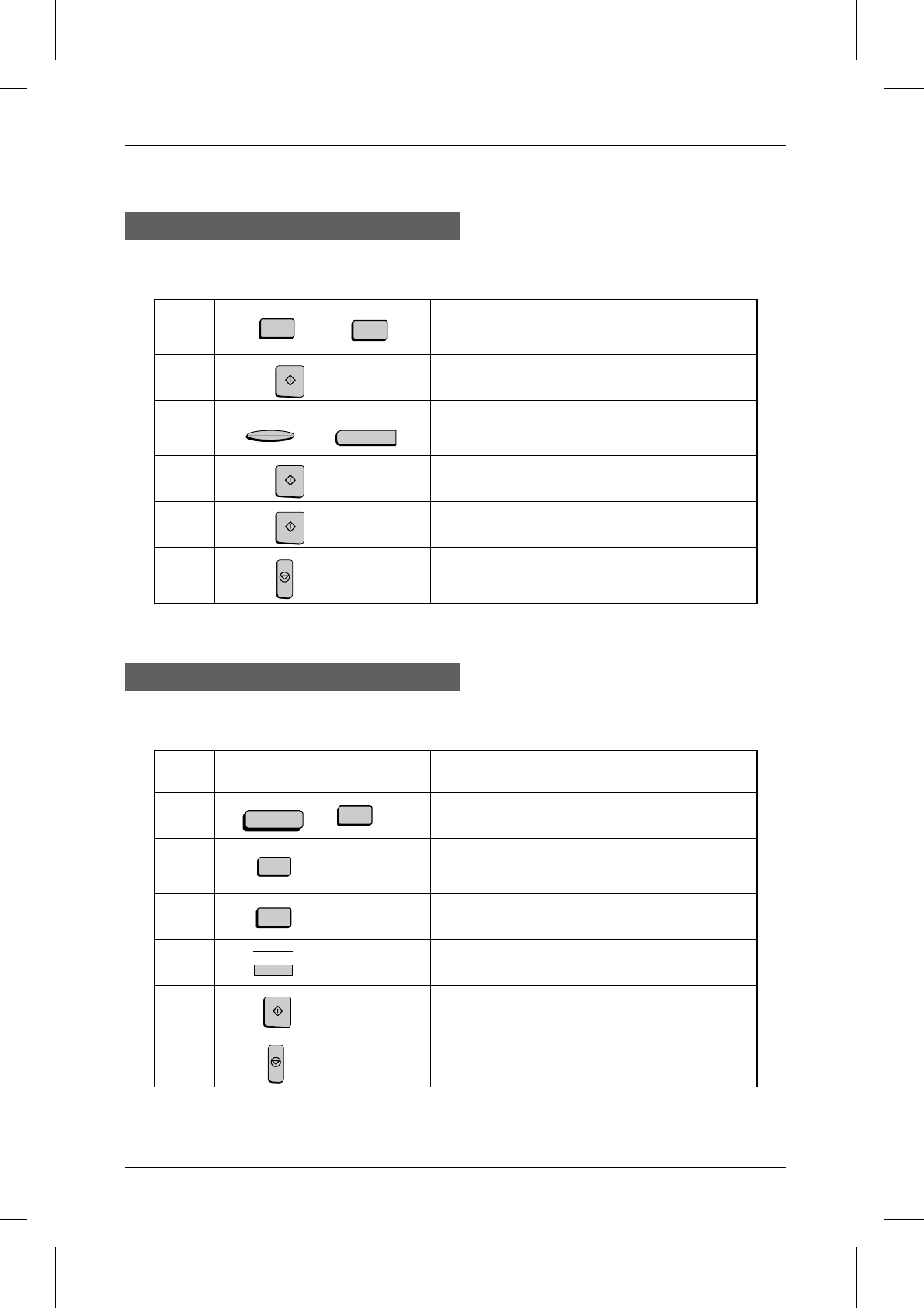
- 1 Load the document(s) 47
- 2 Press the BROADCAST key 47
- 4 Press the START key 47
- 5 Press the START key twice 48
- Confidential reception 50
- Clearing the passcode 51
- CONFIDENTIAL 52
- UX5000U-SFRR 53
- SPEED DIAL 54
- Clearing a relay group 55
- 1 Load the document 56
- UX5000U-SFPO 58
- Being polled (Memory polling) 59
- UX5000U-SFTI 63
- CONTRAST 67
- UX5000U-SFEP 71
- ENTERING AND USING PROGRAMS 73
- SPECIAL FUNCTIONS 4-27 73
- <P=004> 74
- 4-28 SPECIAL FUNCTIONS 74
- <P=005> 75
- SPECIAL FUNCTIONS 4-29 75
- 1 Press the Program Key 78
- 2 Press the START key 78
- UX5000U-SFDC 79
- UX5000U-SFAJ 81
- UX5000U-IPDR 82
- 5 OPTIONAL SETTINGS 83
- 4" (NEVER PRINTS): 84
- 5" (ERROR ONLY): 84
- 1" (ERROR/TIMER/ 84
- 2" (SEND ONLY): 84
- 3" (ALWAYS PRINTS): 84
- 1" (ALWAYS ON): 86
- 2" (ALWAYS OFF): 86
- 3" (SLEEP MODE TIMER): 86
- #" for P.M 86
- key to dial 87
- <P=006> 88
- OPTIONAL SETTINGS 88
- 5-6 OPTION SETTINGS 88
- UX5000U-PRPR 89
- Timer list 91
- Telephone Number List 91
- Relay Group List 91
- Passcode List 92
- Optional Setting List 92
- Program and Group List 92
- Batch Transmission List 93
- Department Usage List 93
- Confidential Reception List 93
- Anti Junk Number List 94
- Transaction Report 94
- 7 MAINTENANCE 95
- MAINTENANCE 96
- 7-2 MAINTENANCE 96
- 8 TROUBLESHOOTING 97
- UX5000U-TSDM 99
- Audible signals 100
- UX5000U-TSCP 101
- 5 Close the printer cover 102
- SPECIFICATIONS 103
- FCC REGULATORY INFORMATION 104
- SHARP Date Issued: 1996. 8. 1 105
- QUICK REFERENCE GUIDE 106
- FUNCTION key menu 107
- <P=003> 108
- GUIA DE CONSULTA RAPIDA 109
- Menú de la FUNCTION 110
- UX5000U-ININ 113
- Index-ii 114
- LIMITED WARRANTY 115
- SHARP ELECTRONICS CORPORATION 116
Manuais e produtos relacionados com Impressoras Sharp UX-5000
 (100 páginas)
(248 páginas)
(178 páginas)
(2 páginas)
(12 páginas)
(104 páginas)
(146 páginas)
(8 páginas)
(55 páginas)
(148 páginas)
(2 páginas)
(84 páginas)
(56 páginas)
(80 páginas)
(112 páginas)
(52 páginas)
(11 páginas)
(311 páginas)
(168 páginas)
Advidia Kamery ochrony podręczniki użytkownika
Zaczynanie od A
| Modele | Rodzaj dokumentu |
|---|---|
| A-200 | |
| A-46 | |
| "A" Series |
© 2020, manymanuals-pt.com. Todos os direitos reservados. | 0.052 s |
 Manymanuals.com
 Manymanuals.de
 Manymanuals.fr
 Manymanuals.it
 Manymanuals.pl
 Manymanuals.cz
 Manymanuals.es
 Manymanuals-pt.com
Comentários a estes Manuais