Sharp AR-207 Manual do Utilizador Página 19
- Página / 84
- Índice
- MARCADORES

- CAUTIONS 2
- CONTENTS Page 3
- INTRODUCTION 4
- MAIN FEATURES 5
- PART NAMES AND FUNCTIONS 6
- Part names and functions 7
- Operation 8
- COPIER INSTALLATION 10
- CAUTIONS ON HANDLING 11
- LOADING COPY PAPER 12
- GETTING STARTED 13
- Loading copy paper 13
- Front guide 13
- Left guide 13
- AUDITING ACCOUNTS 15
- NORMAL COPYING 16
- MAKING COPIES 17
- Normal copying 17
- Using the original table 21
- Power on 21
- Reduction/enlargement/zoom 25
- Automatic 25
- REDUCTION/ENLARGEMENT/ZOOM 26
- BYPASS FEED (special paper) 27
- Bypass feed (special paper) 28
- SORT/GROUP 29
- Copying in the sort mode 30
- Sort/group 30
- Interrupting a copy run 31
- AUTOMATIC EXPOSURE ADJUSTMENT 32
- TONER SAVE MODE 33
- SPECIAL FEATURES 34
- Original Copy 34
- B/W REVERSE 36
- Original Paper 38
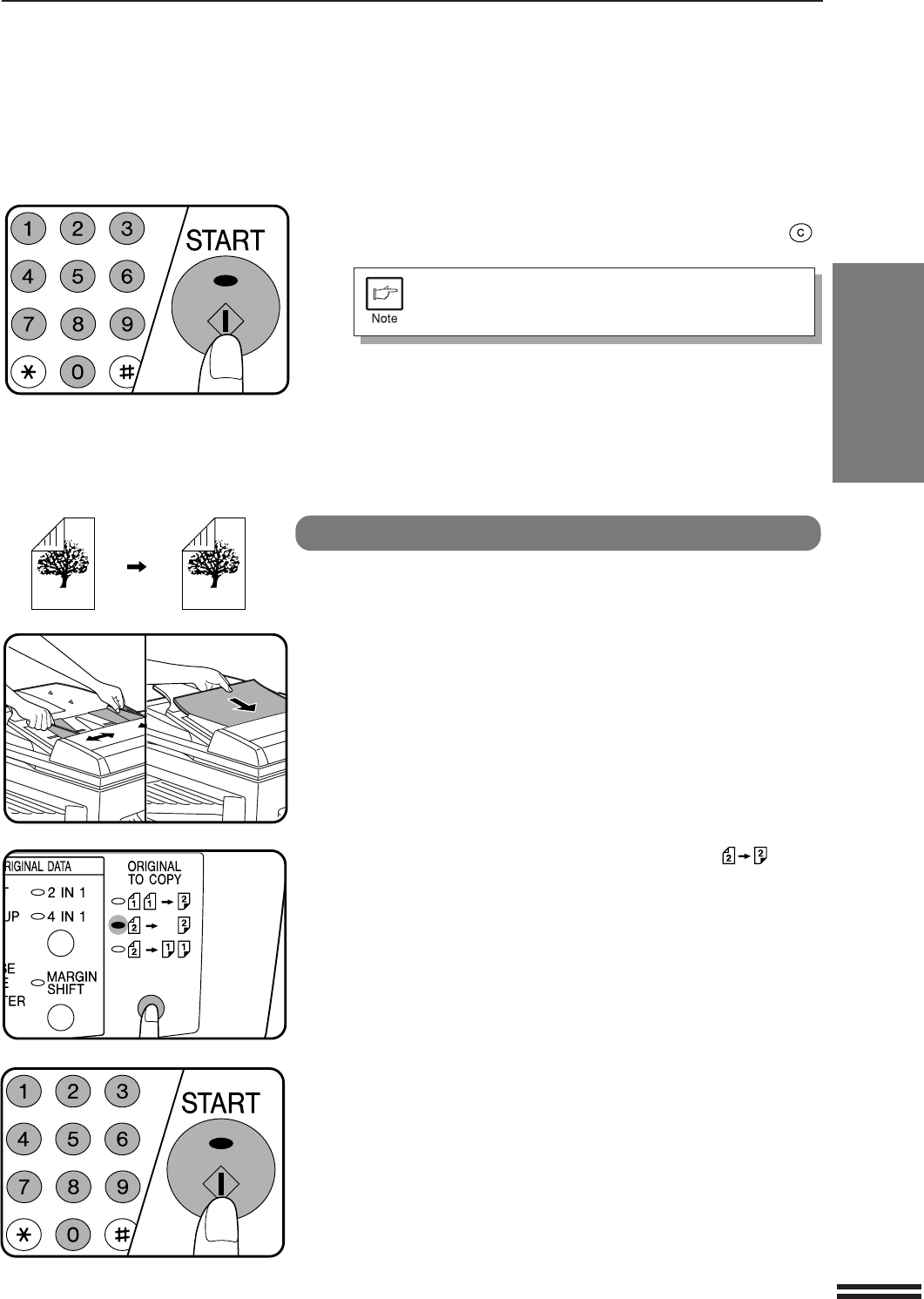
- 4 in 1 copying 39
- 2 in 1 copying 39
- Pattern Pattern 39
- 2 IN 1 OR 4 IN 1 40
- 2 in 1 or 4 in 1 40
- Expanded margin 43
- Original 43
- Toner cartridge lock 44
- GENUINE SUPPLIES 44
- INDICATORS 45
- Toner cartridge replacement 45
- TONER CARTRIDGE REPLACEMENT 45
- Toner cartridge life 45
- ( P.44) 46
- ( P.45, 48) 46
- ( P.49) 46
- ( P.72) 46
- Misfeed removal 47
- Roller rotating knob 48
- MISFEED REMOVAL 50
- DEVELOPER REQUIRED 52
- MAINTENANCE REQUIRED 52
- USER PROGRAMS 53
- GENERAL INFORMATION 54
- Setting the user programs 54
- User programs 54
- POWER SAVE MODES 60
- Press the START key 61
- USER MAINTENANCE 62
- Transfer charger cleaning 63
- User maintenance 63
- Charger cleaner 63
- COPIER TROUBLE? 64
- Copier trouble? 65
- Self-diagnostic function 66
- SUPPLIES 67
- SPECIFICATIONS 69
- Specifications 70
- REVERSING SINGLE PASS FEEDER 70
- OPTIONAL 71
- EQUIPMENT 71
- SYSTEM CONFIGURATION 72
- 250-SHEET PAPER FEED UNIT 73
- (AR-DE5) 73
- 2x250-SHEET PAPER FEED UNIT 73
- (AR-DE6) 73
- Remove any misfed paper 74
- Section 3. Ingredients 78
- Section 5. Health Hazard Data 78
- MATERIAL SAFETY DATA SHEET 80
- For users in the USA 83
- WARNING: 83
- NOTICE for users in the USA 83
- SHARP CORPORATION 84
Manuais e produtos relacionados com Impressoras Sharp AR-207
 (52 páginas)
(58 páginas)
(2 páginas)
(6 páginas)
(116 páginas)
(144 páginas)
(67 páginas)
(76 páginas)
(220 páginas)
(248 páginas)
(8 páginas)
(2 páginas)
(152 páginas)
(36 páginas)
(54 páginas)
(130 páginas)
(56 páginas)
(183 páginas)
(172 páginas)
(52 páginas)
(58 páginas)
(2 páginas)
(6 páginas)
(116 páginas)
(144 páginas)
(67 páginas)
(76 páginas)
(220 páginas)
(248 páginas)
(8 páginas)
(2 páginas)
(152 páginas)
(36 páginas)
(54 páginas)
(130 páginas)
(56 páginas)
(183 páginas)
(172 páginas)
© 2020, manymanuals-pt.com. Todos os direitos reservados. | 0.033 s |
 Manymanuals.com
 Manymanuals.de
 Manymanuals.fr
 Manymanuals.it
 Manymanuals.pl
 Manymanuals.cz
 Manymanuals.es
 Manymanuals-pt.com
Comentários a estes Manuais