Sharp CD-BA2600 Manual do Utilizador Página 1
Consulte online ou descarregue Manual do Utilizador para Acústica Sharp CD-BA2600. Sharp CD-BA2600 User Manual Manual do Utilizador
- Página / 32
- Índice
- MARCADORES
Avaliado. / 5. Com base em avaliações de clientes

Thank you for purchasing this SHARP product.
To obtain the best performance from this product, please read this
manual carefully. It will guide you in operating your SHARP product.
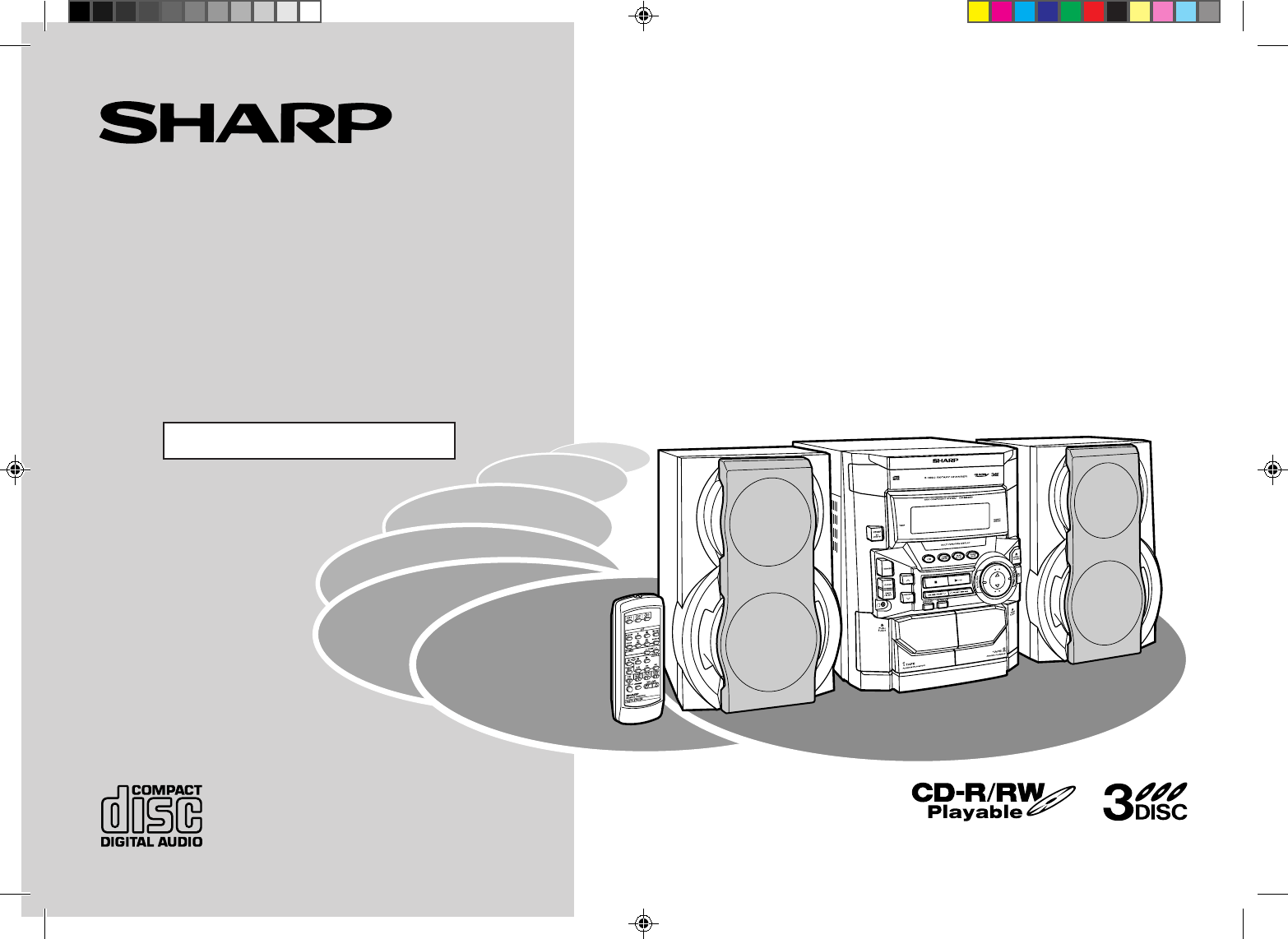
CD-BA250 Mini Component System consisting of CD-BA250 (main
unit) and CP-BA250 (speaker system).
CD-BA2600 Mini Component System consisting of CD-BA2600 (main
unit) and CP-BA2600 (speaker system).
MINI COMPONENT SYSTEM
MODEL
CD-BA250
CD-BA2600
OPERATION MANUAL
CD-BA250(FRONT) 00.12.27, 1:35 PM1
- CD-BA250 1
- CD-BA2600 1
- Special Notes 2
- Important Safeguards 3
- Contents 4
- Accessories 4
- General Information 5
- System Connections 10
- Preparation for Use 11
- Remote Control 12
- General Control 13
- Sound Control 14
- 012 29 30 MAXIMUM 14
- Setting the Clock 15
- Listening to a CD (CDs) 16
- CD Playback 17
- Advanced CD Playback 18
- Programmed Play 19
- Listening to the Radio 20
- CD-BA250(U)3.fm00/12/4 21
- Tape Playback 22
- Recording from the Radio 23
- Tape Recording 24
- Dubbing from Tape to Tape 25
- Timer and Sleep Operation 26
- Advanced Features 27
- Enhancing Your System 28
- References 29
- Specifications 31
- SHARP ELECTRONICS CORPORATION 32
- SHARP CORPORATION 32
Resumo do Conteúdo
Página 1 - CD-BA2600
Thank you for purchasing this SHARP product.To obtain the best performance from this product, please read thismanual carefully. It will guide you in o
Página 2 - Special Notes
10CD-BA250(U)1.fm00/12/4Preparation for Use- System Connections -System ConnectionsAM loop antennaRight speakerLeft speakerVCR, DVD, etc.AC outlet(AC
Página 3 - Important Safeguards
11CD-BA250(U)2.fm00/12/4Preparation for Use- System Connections - „Speaker connectionConnect the black wire to the minus (-) terminal, and the red wir
Página 4 - Accessories
12CD-BA250(U)2.fm00/12/4Preparation for Use- Remote Control -Remote Control„Battery installation Precautions for battery use:zReplace all old batterie
Página 5 - General Information
13CD-BA250(U)2.fm00/12/4Basic Operation- General Control -General Control„Demonstration modeThe first time the unit is plugged, the unit will enter th
Página 6
14CD-BA250(U)2.fm00/12/4Basic Operation- Sound Control -Sound Control„Volume controlPress the VOLUME button to increase the volume and the VOLUME
Página 7
15CD-BA250(U)2.fm00/12/4Basic Operation- Setting the Clock -Setting the ClockIn this example, the clock is set for the 12-hour (AM 12:00) display.Note
Página 8
16CD-BA250(U)2.fm00/12/4CD Playback- Listening to a CD (CDs) -Listening to a CD (CDs)This system can play audio CD-R and CD-RW discs just as CD discs,
Página 9
17CD-BA250(U)2.fm00/12/4CD Playback- Listening to a CD (CDs) - To interrupt playback:Press the CD button on the remote control.To resume playback fr
Página 10 - System Connections
18CD-BA250(U)2.fm00/12/4Advanced CD Playback- Starting playback with a desired track / Repeat or Random Play -Starting playback with a desired trackYo
Página 11 - Preparation for Use
19CD-BA250(U)2.fm00/12/4Advanced CD Playback- Programmed Play -Programmed PlayBy specifying discs from 1 to 3 and tracks from 1 to 99, you can choose
Página 12 - Remote Control
2CD-BA250(U)1.fm00/12/4Important Instruction- Special Notes -Special NotesNOTEThis equipment has been tested and found to comply with the limits for a
Página 13 - General Control
20CD-BA250(U)2.fm00/12/4Radio- Listening to the Radio -Listening to the RadioTo receive an FM stereo transmission:Press the TUNER (BAND) button to dis
Página 14 - 012 29 30 MAXIMUM
21CD-BA250(U)3.fm00/12/4Radio- Listening to the memorized station -Listening to the memorized station„Memorizing a stationYou can store 40 AM and FM s
Página 15 - Setting the Clock
22CD-BA250(U)3.fm00/12/4Tape Playback- Listening to a Cassette Tape (TAPE 1 or TAPE 2) -Listening to a Cassette Tape (TAPE 1 or TAPE 2) Before playba
Página 16 - Listening to a CD (CDs)
23CD-BA250(U)3.fm00/12/4Tape Recording- Recording from the Radio -Recording from the Radio Before recording:zWhen recording important selections, mak
Página 17 - CD Playback
24CD-BA250(U)3.fm00/12/4Tape Recording- Recording from a CD (CDs) -Recording from a CD (CDs) You can record 3 CDs continuously.To perform programmed
Página 18 - Advanced CD Playback
25CD-BA250(U)3.fm00/12/4Tape Recording- Dubbing from Tape to Tape -Dubbing from Tape to TapeYou can record from TAPE 1 to TAPE 2.For recording, use on
Página 19 - Programmed Play
26CD-BA250(U)3.fm00/12/4Advanced Features- Timer and Sleep Operation -Timer and Sleep OperationTimer playback:The unit turns on and plays the desired
Página 20 - Listening to the Radio
27CD-BA250(U)3.fm00/12/4Advanced Features- Timer and Sleep Operation - To reset or change the timer setting:Perform "Timer playback or Timer reco
Página 21 - CD-BA250(U)3.fm00/12/4
28CD-BA250(U)3.fm00/12/4Advanced Features- Enhancing Your System -Enhancing Your SystemThe connection cord is not included. Purchase a commercially av
Página 22 - Tape Playback
29CD-BA250(U)3.fm00/12/4References- Troubleshooting Chart -Troubleshooting ChartMany potential "problems" can be resolved by the owner witho
Página 23 - Recording from the Radio
3CD-BA250(U)1.fm00/12/4Important Instruction- Important Safeguards -Important SafeguardsCAUTIONAll the safety and operating instructions should be rea
Página 24 - Tape Recording
30CD-BA250(U)3.fm00/12/4References- Troubleshooting Chart / Maintenance -Troubleshooting Chart (continued)„If trouble occursWhen this product is subje
Página 25 - Dubbing from Tape to Tape
31CD-BA250(U)3.fm00/12/4References- Specifications -SpecificationsAs part of our policy of continuous improvement, SHARP reserves the right to makedes
Página 26 - Timer and Sleep Operation
Printed in MalaysiaA0012.HKCD-BA250/CD-BA2600 Mini Component SystemTINSE0343AWZZSHARP ELECTRONICS CORPORATIONSharp Plaza, Mahwah, New Jersey 07430-213
Página 27 - Advanced Features
4CD-BA250(U)1.fm00/12/4General Information- Contents / Accessories -ContentsPage„General InformationAccessories . . . . . . . . . . . . . . . . . . .
Página 28 - Enhancing Your System
5CD-BA250(U)1.fm01/02/27General Information- Precautions -Precautions„GeneralzPlease ensure that the equipment is positioned in a well-ventilated area
Página 29 - References
6CD-BA250(U)1.fm00/12/4General Information- Controls and Indicators -Controls and Indicators„Front panelReference page1.Disc Tray . . . . . . . . . .
Página 30
7CD-BA250(U)1.fm00/12/4General Information- Controls and Indicators - „Display1.Extra Bass Indicator2.FM Stereo Mode Indicator3.FM Stereo Receiving In
Página 31 - Specifications
8CD-BA250(U)1.fm00/12/4General Information- Controls and Indicators -Controls and Indicators (continued)„Remote controlReference page1.Remote Control
Página 32 - SHARP CORPORATION
9CD-BA250(U)1.fm00/12/4General Information- Controls and Indicators - „Speaker system 1.Tweeter2.Woofer3.Bass Reflex Duct4.Speaker WireSpeaker grilles
Manuais e produtos relacionados com Acústica Sharp CD-BA2600
Acústica Sharp CD-DH950P Manual do Utilizador
 (16 páginas)
(16 páginas)
Acústica Sharp CP-BA150 Manual do Utilizador
(18 páginas)
(18 páginas)
Acústica Sharp VC-MH715HM Manual do Utilizador
(43 páginas)
(43 páginas)
Acústica Sharp XL-ES50 Manual do Utilizador
(31 páginas)
(31 páginas)
Acústica Sharp CD DHS1050P Manual do Utilizador
(16 páginas)
(16 páginas)
Acústica Sharp UP-600 Manual do Utilizador
(226 páginas)
(226 páginas)
Acústica Sharp MD-C2H Manual do Utilizador
(56 páginas)
(56 páginas)
Acústica Sharp UP-600 Manual do Utilizador
(2 páginas)
(2 páginas)
Acústica Sharp UP-600 Manual do Utilizador
(61 páginas)
(61 páginas)
Acústica Sharp CD-ES99 Manual do Utilizador
(36 páginas)
(36 páginas)
© 2020, manymanuals-pt.com. Todos os direitos reservados. | 0.056 s |
 Manymanuals.com
 Manymanuals.de
 Manymanuals.fr
 Manymanuals.it
 Manymanuals.pl
 Manymanuals.cz
 Manymanuals.es
 Manymanuals-pt.com
Comentários a estes Manuais