Sharp VC-A410X Especificações
Consulte online ou descarregue Especificações para Leitores de cassetes Sharp VC-A410X. Sharp VC-A410X Specifications Manual do Utilizador
- Página / 36
- Índice
- MARCADORES

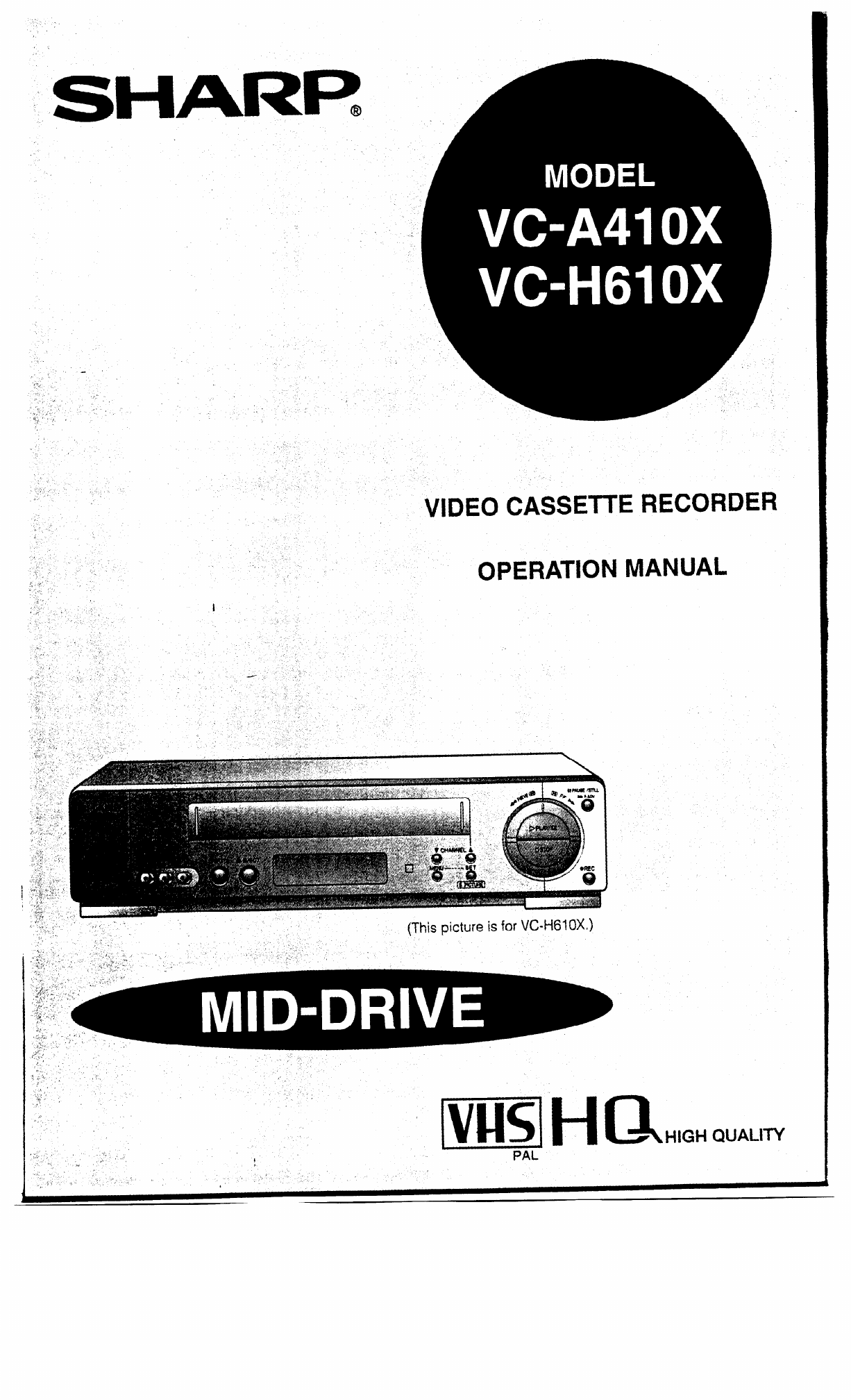
- VIDEO CASSETTE RECORDER 1
- OPERATION MANUAL 1
- CONTENTS 2
- ZAUTION 3
- -ocation and Handling 3
- , Accessories 4
- 1s H R I? PI 5
- Remote Control 6
- :Only for VC-H61 OX) 7
- Connections 8
- Adjusting the Video Channel 8
- (Only for VC-H61 OX) 9
- Setting the Language 10
- Setting the Clock 11
- Setting the Channels 12
- MANUAL TUNING 13
- Channel skip 14
- Cancelling skip 14
- OSD (On Screen Display) 15
- Menu Screen 15
- Mode Selection 16
- - Playback 17
- Playback 18
- Auto Head Cleaning System 20
- Auto Rental Mode 20
- Recording a TV Programme 22
- Switching input Signals 23
- Recording Audio Only 23
- Simple Recording Timer 24
- CI1AIIIIL PIE**= 25
- Recording with the Timer 26
- Recording with the Timer 27
- New Sharp Super Picture 29
- Zero-Back Function 29
- Instant Replay 30
- New Child-Proof Lock 31
- VCR Display 32
- Tape Remaining Display 32
- Specifications 33
- Service 34
- SHARP CORPORATION 36
- OF AUSTRALIA PTY. LIMITED 36
- Osaka, Japan 36
Resumo do Conteúdo
SHARR _ “, /’ ‘/ f ,.,‘* ,’ U,’ I , I’ , VIDEO CASSETTE RECORDER OPERATION MANUAL I /,I . a> I , 3 , , I ‘/ I ‘,J,, ,’ ’ ,, ” ,
!!a Setting the Language PREPARATION @Select the video channel on your TV. Press the OPERATE button to turn on the VCR. When you us
!si Setting the Clock Vhen you use the VCR x the first time or after a lower failure of more Ian 60 seconds the lock will be rese
!!§I Setting the Channels Your VCR can receive VHF channels 0 to 12, and UHF channels 28 to 69. Your VCR has 4t programmable chann
Setting the Channels MANUAL TUNING PREPARATION @Select the video channel on your TV. Press the OPERATE button to turn on the VCR. Exa
!a Channel Skip/Cancelling Skip Channel skip If there are channel positions that are not preset, you can skip them with the following
!§I Menu Screen @ Turn on your TV and select the video channel. @ Press the OPERATE button to turn on the VCR, and then press th
Mode Selection You can set the basic functions listed in the table below on the MODE selection screen. PREPARATION l Turn on your T
Fl - Playback inserting a Video Cassette 3ently insert the video cassette into the cassette compartment. The VCR turns on automaticall
R Shuttle System Playback The shuttle system lets you control all the basic playback functions using just the shuttle ring. pQmE->
R Playback Still Picture and Frame Advance 0 Q 0 0 A 0 Press the PAUSE/STILL (F.ADV) button during playback. This will freeze the pictu
CONTENTS ?Rii GENERAL INFORMATION IMPORTANT SAFEGUARDS AND PRECAUTIONS . . . . . . . . ..#... 3 Features . . . . .
R Auto Tracking Control System Playback This function automatically adjusts the tracking to match the recorded tape. Auto tracking enga
Playback Blue Back Set the BLUE BACK mode to AUTO on the MODE-selection screen. (See Mode Selection on page 16.) This function elimi
Recording a TV Programme Cassette Erase Protection A Ivus/ cassette has a removable tab to prevent accidental erasrye of recorded mate
m Recording Hi-Fi Stereo Sound This VCR automatically records audio signals on two kinds of audio tracks. I-ii-FL Normal: Using speciafized
q Simple Recording Timer There are two ways to use this Simple Recording Timer 1 l Immediate recording: for your convenience. Immediate R
NH Recording with the Timer The timer can be set manually for automatic recording of up to 8 events over a 365 day period. PREPARATI
Recording with the Timer WOPI PR START STOP @ Set the stop time with the numeric buttons or or. / 7 buttons and press the b butto
Recording with the Timer Confirming Timer Programmes IOU can see on the On Screen Display a list of all timer programmes that are al
!!B Intelligent Timer Recording (JUST REC) When the tape is expected to run out halfway during timer recording in the SP (standard pl
m New Sharp Super Picture This function creates clearer modulation during playback for high picture quality. . . . . . . . . . . SE= 0 S.P
/ a , IMPORTANT SAFEGUARDS AND PRECAUTIONS ZAUTION 3EFORE OPERATING YOUR NEW VCR, PLEASE CAREFULLY READ THIS OPERATION MANUAL AND -HEN SA
PI Auto Repeat With this feature, the entire tape is played back repeatedly. () Set the REPEAT mode on the MODE-selection screen to
m New Child-Proof Lock ,_, With this feature, you can lock all VCR modes to prevent accidental change. This function works even when
VCR Display When the DISPLAY button is pressed, the display changes in the following way. (However, tfie foliovi’ing IS the cas when
p;1 Editing from a Camcorder toYour VCR Editing from your Camcorder onnection diagram below is _ recise connection information. s extremel
RI Before Calling for Service Check this list before calling for service. Problem MISCELLANEOUS PROBLEMS Possible Cause/Solutions l No pow
Memo 35
SHARP CORPORATION OF AUSTRALIA PTY. LIMITED A.C.N. 003 039 405 1 Huntingwood Drive, Huntingwood, Blacktown, N.S.W. 2148 SHARP CORPORATION Osa
a / IMPORTANT SAFEGUARDS AND PRECAUTIONS Service Do not attempt to service this VCR yourself. Please carry out the user checks on pag
/ Ri Front Major Components of Your VCR (This picture is for VC-H6 1 OX.) OPERATE button (turns VCR on/off) Clock display will work regar
a Remote Control L - J STOP P&t il- y CASS~E RE~~FHX~ (VC-H61 OX) VIDEO CASSElTE RECORDER (VGA41 OX) Only for VGH6IOX @ 1NPUT SELECT butto
a - // Using the Remote Control for TV Operation :Only for VC-H61 OX) -he provided remote control can operate the basic functions of y
El Connections 0 0 0 To view the output of your VCR on the television screen, you must select an unused channel on your T\ and tune
!!§I Connecting to a Stereo TV (Only for VC-H61 OX) (This picture is for VC-HGIOX} From RF OUT From From VIDEO OUT AUDIO OUT FUL ) Stere
Manuais e produtos relacionados com Leitores de cassetes Sharp VC-A410X

 (53 páginas)
(45 páginas)
(32 páginas)
(53 páginas)
(41 páginas)
(28 páginas)
(52 páginas)
(35 páginas)
(32 páginas)
(32 páginas)
(40 páginas)
(32 páginas)
(32 páginas)
(36 páginas)
(37 páginas)
(53 páginas)
(45 páginas)
(32 páginas)
(53 páginas)
(41 páginas)
(28 páginas)
(52 páginas)
(35 páginas)
(32 páginas)
(32 páginas)
(40 páginas)
(32 páginas)
(32 páginas)
(36 páginas)
(37 páginas)
© 2020, manymanuals-pt.com. Todos os direitos reservados. | 0.081 s |
 Manymanuals.com
 Manymanuals.de
 Manymanuals.fr
 Manymanuals.it
 Manymanuals.pl
 Manymanuals.cz
 Manymanuals.es
 Manymanuals-pt.com
Comentários a estes Manuais